Picture this: you’ve just snagged the latest iPhone, but your trusty Android SIM card is still clinging to life. You might be wondering if it can make the leap from one tech universe to another. Spoiler alert: it might be easier than you think!
In a world where smartphones reign supreme, the thought of mixing and matching can feel like a game of tech roulette. Can that Android SIM card work in an iPhone? The answer isn’t just a simple yes or no; it’s a journey through compatibility, carriers, and a sprinkle of tech magic. Buckle up as we dive into the details and uncover whether your Android SIM can cozy up in your shiny new iPhone.
Understanding SIM Cards
SIM cards play a crucial role in connecting devices to mobile networks. These small cards store vital information, enabling devices to access voice, text, and data services.
What Is a SIM Card?
A SIM card, or Subscriber Identity Module card, identifies a subscriber on a mobile network. It contains unique data, including the International Mobile Subscriber Identity (IMSI), which allows the network to authenticate the user. Users insert these cards into devices, enabling communication and access to mobile services. Each SIM card is specific to a network carrier, facilitating secure connections between devices and the carrier’s infrastructure.
Types of SIM Cards
Several types of SIM cards exist, each designed for different devices and user needs. Standard SIM cards, the largest, often fit older phones. Micro SIMs, smaller than standard cards, gained popularity with more recent smartphones. Nano SIM cards, even smaller, are commonly used in the latest smartphone models, including iPhones. eSIMs, digital SIMs, allow users to activate cellular plans without a physical card. These various formats ensure compatibility across diverse devices and technologies, enabling seamless connectivity.
Compatibility of Android SIM Cards with iPhones
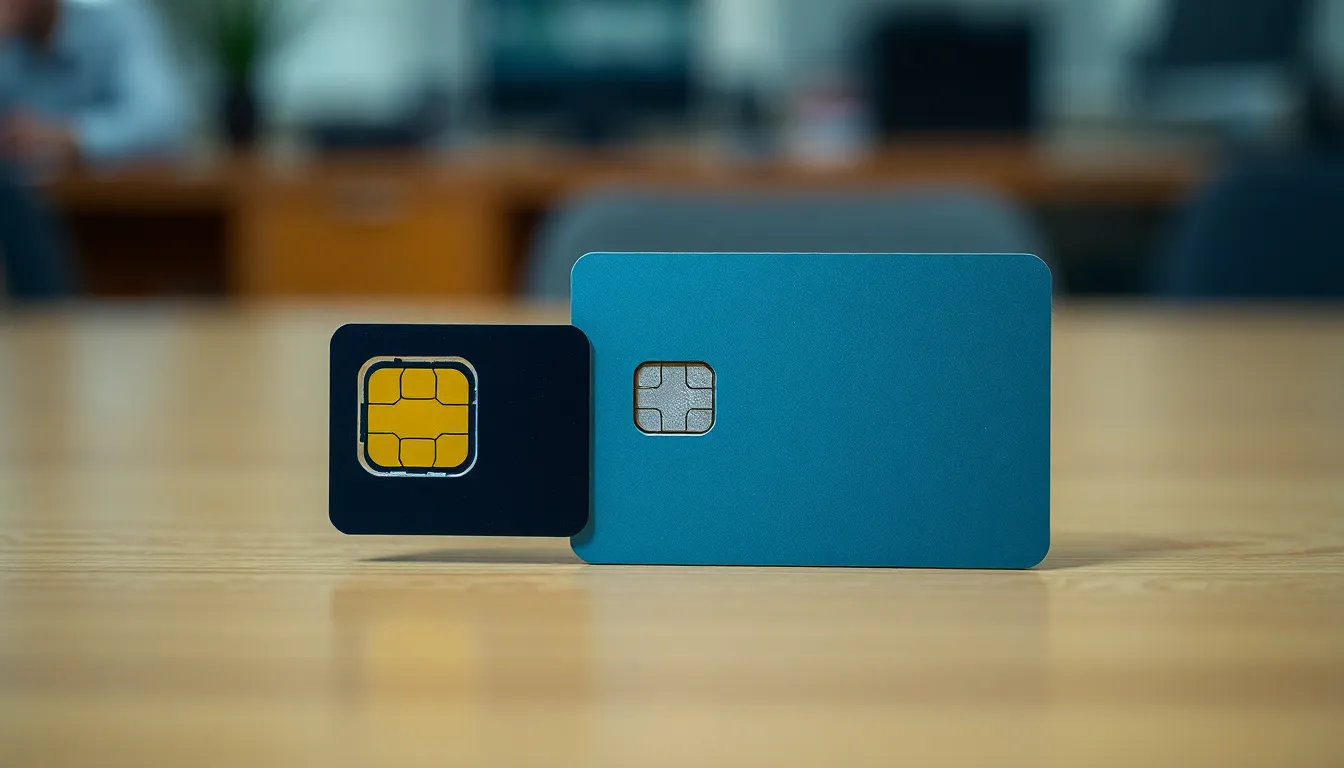
Using an Android SIM card in an iPhone is possible but depends on several factors. Understanding the compatibility aspects requires knowledge of SIM card specifications and carrier restrictions.
Differences Between Android and iPhone SIM Cards
Android and iPhone SIM cards fundamentally perform the same function but differ in physical size. iPhones typically use nano SIM cards, while many Android phones use standard or micro SIM cards. Compatibility varies based on the SIM card size; an adapter can be applied to fit a larger SIM into an iPhone. Network technology also comes into play, as most SIM cards are designed for GSM or CDMA networks. While the physical card may fit, network compatibility must align for optimal performance.
Factors Affecting Compatibility
Carrier restrictions often dictate whether an Android SIM card works with an iPhone. Some service providers lock SIM cards to specific devices, which could prevent usage across platforms. Additionally, network technology compatibility must be considered; GSM cards generally function across diverse devices. Differences in data network support may also affect the user experience. Checking the carrier’s policies and the iPhone’s supported bands ensures compatibility before making a switch.
Steps to Use an Android SIM Card in an iPhone
Using an Android SIM card in an iPhone involves a few key steps. Each step ensures that the transition is seamless and compatible.
Checking the SIM Card Size
First, identify the size of the SIM card currently used in the Android device. Most Android devices utilize either standard or micro SIM cards, while iPhones require a nano SIM card. Measuring the size is essential; SIM cards vary with dimensions of 25mm x 15mm for standard, 15mm x 12mm for micro, and 12.3mm x 8.8mm for nano. If an adapter is needed, ensure it aligns properly with the iPhone’s SIM tray for a secure fit. Confirming this compatibility avoids potential connectivity issues.
Inserting the SIM Card into the iPhone
Next, prepare to insert the SIM card by powering off the iPhone. Locate the SIM tray on the side using a SIM eject tool or a paperclip. Once the tray is ejected, place the SIM card inside, ensuring it fits snugly. After placing the SIM card in the correct orientation, reinsert the tray until it clicks securely into place. Powering on the iPhone should initiate automatic network configuration, allowing immediate access to mobile services.
Potential Issues and Considerations
Transitioning from an Android to an iPhone using an Android SIM card presents potential challenges. Several critical factors, such as network compatibility and carrier restrictions, require attention.
Network Compatibility
Network compatibility plays a significant role in determining if an Android SIM card functions in an iPhone. GSM and CDMA networks differ in their technology, impacting SIM card usability. Many Android SIM cards operate on GSM networks, which iPhones also support. Conversely, if an Android SIM card connects to a CDMA network, incompatibility issues may arise. Ensuring the iPhone supports the same technology as the SIM card is essential before attempting to use it.
Carrier Restrictions
Carrier restrictions can limit the functionality of an Android SIM card in an iPhone. Some service providers lock their SIM cards to specific devices, preventing use in any other phone. Checking the carrier’s policies becomes crucial to understanding these restrictions. Certain networks may also impose additional settings unique to their services. Account configurations and network access settings could lead to service interruptions, so verifying compatibility ensures a smoother transition.
Switching from an Android device to an iPhone using an Android SIM card is feasible but requires careful consideration. Compatibility issues related to SIM card size and network technology can arise. Users must ensure their Android SIM card is the correct type for the iPhone and check for any carrier restrictions that might hinder functionality.
By following the outlined steps and verifying compatibility, users can enjoy a seamless transition. This process allows for continued access to mobile services without the need to change carriers or obtain a new SIM card, making it a practical solution for many.